DayPin
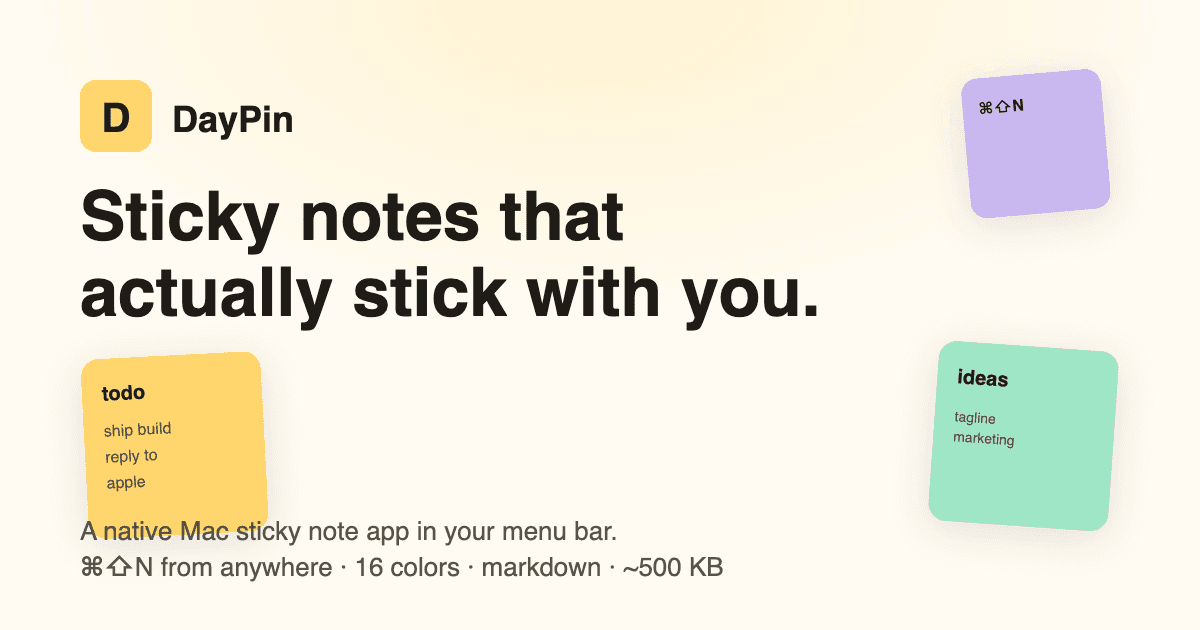
A native macOS sticky-note app for fast capture — markdown notes, 23 colours, always-on-top pins and a global ⌘⇧N hotkey. Shipping on the App Store.
- Client
- App Store · Live
- Year
- 2025
- Website
- Mac App Store
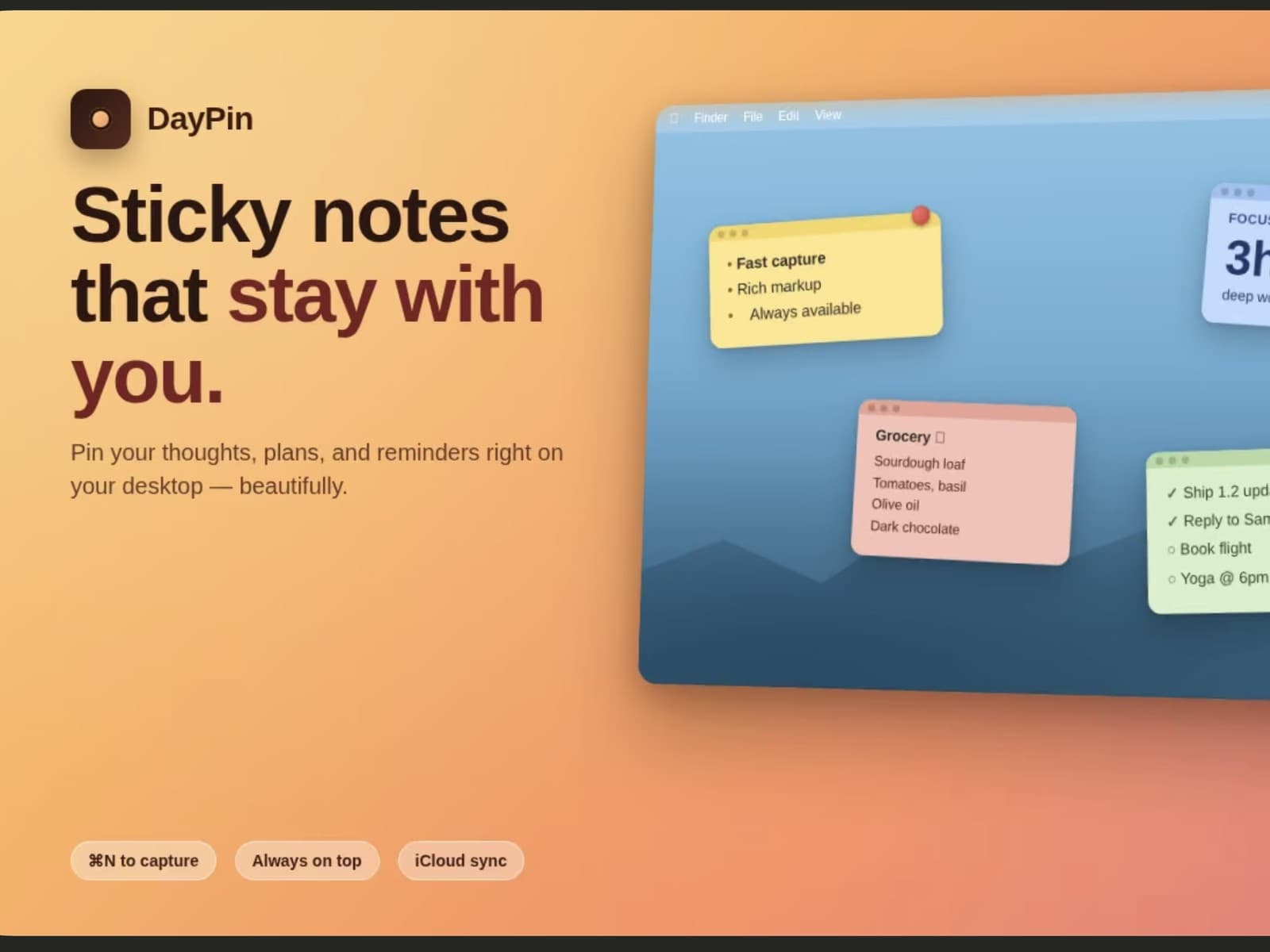
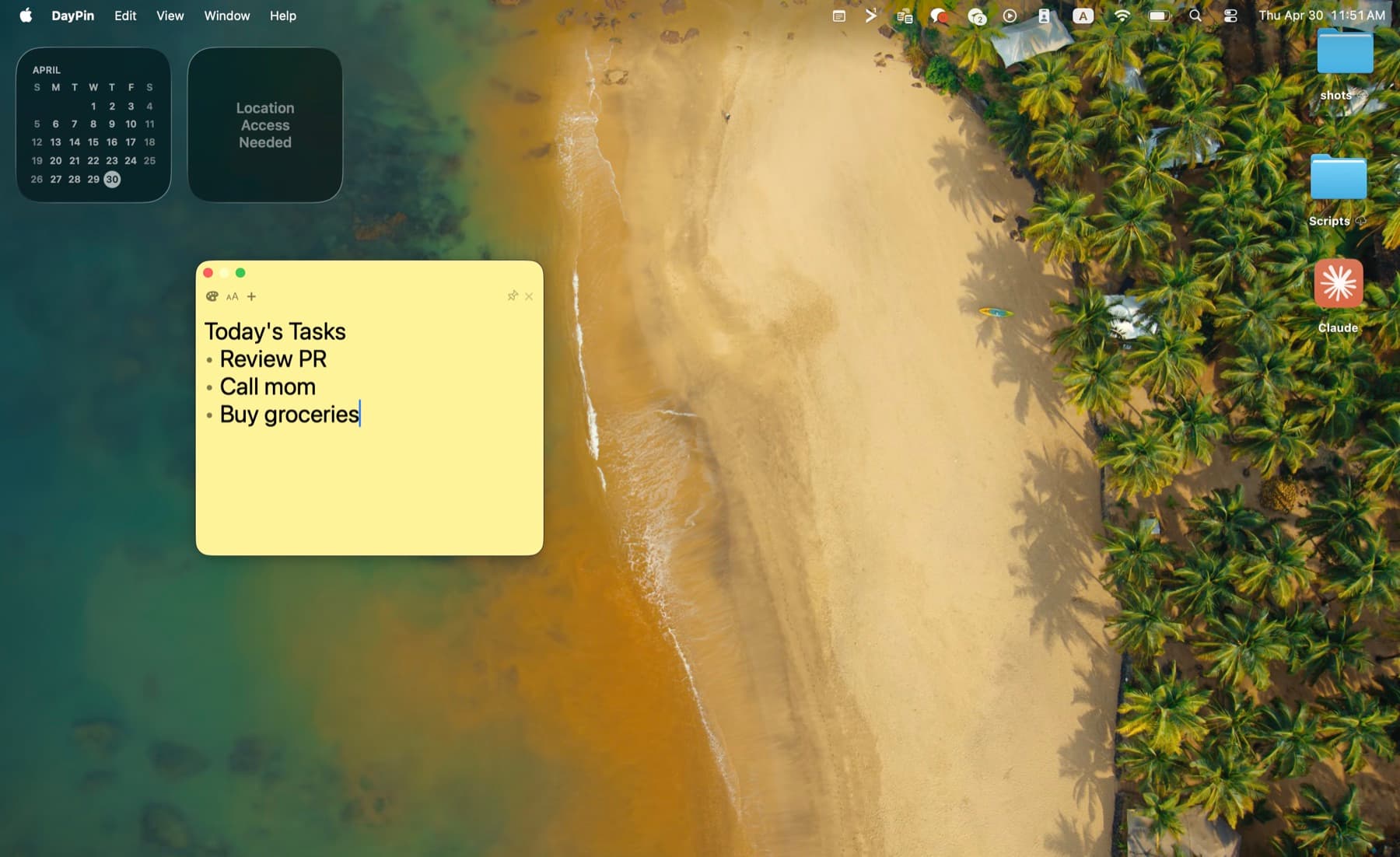
DayPin is a menu-bar sticky-note app for macOS, designed around one goal: capture a thought before it's gone. A global ⌘⇧N hotkey opens a note from anywhere, markdown renders inline, and any note can be pinned always-on-top while you work.
It's a small, focused, native product — SwiftUI on macOS 14+, local persistence via a JSON-backed store, sixteen sticky colours plus seven e-ink tones and custom tints, and a considered menu-bar presence that stays out of the way until you need it.
DayPin is live on the App Store (v1.2) and shipped end to end: build, review, and release. A one-time $2.99 Pro unlock on StoreKit 2 adds unlimited pins, export, search and per-note opacity — no subscription.
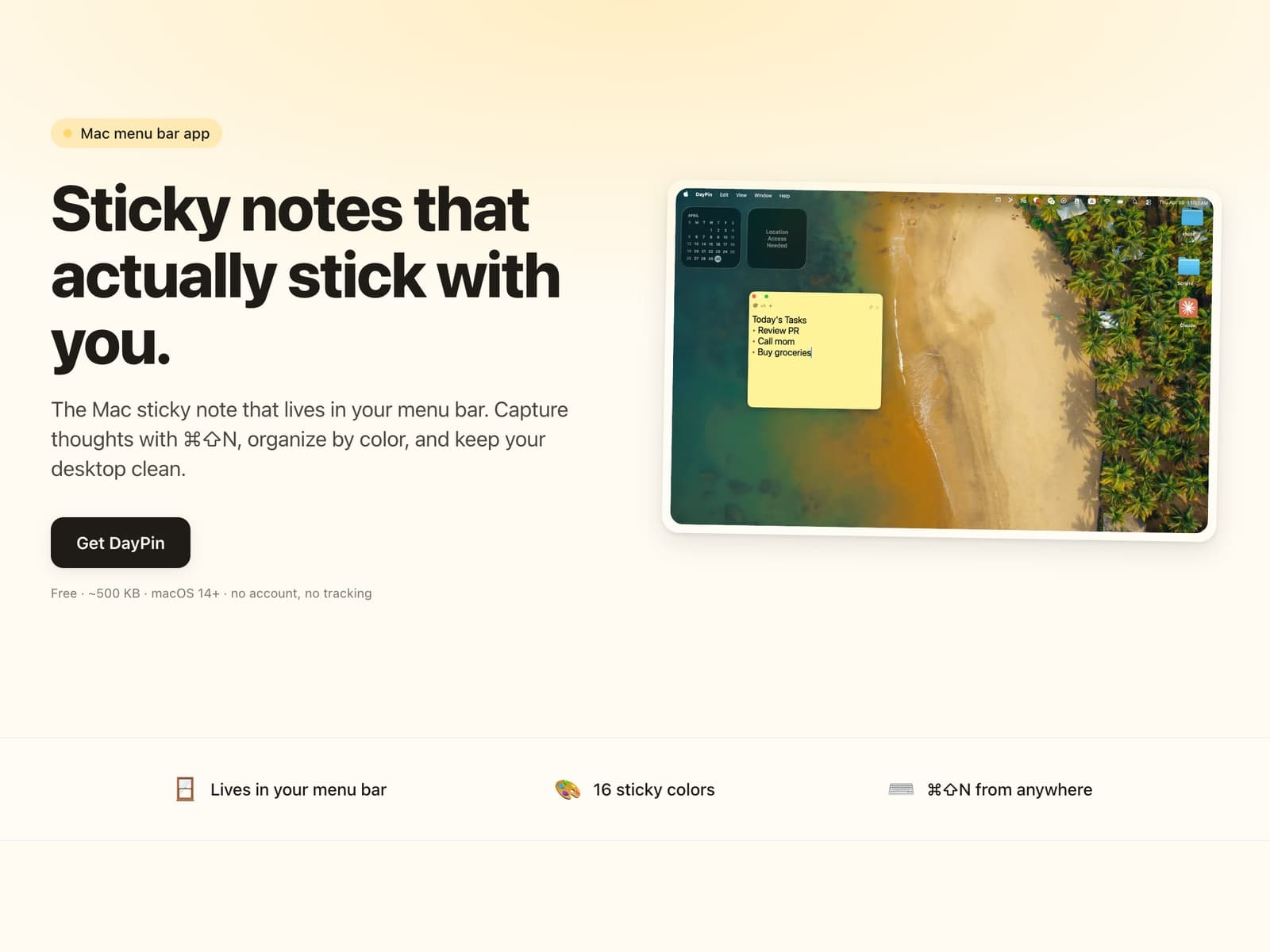
- Lives where you work
- Menu bar
- Note colors
- 23
- From anywhere
- ⌘⇧N
A small app with sharp edges.
DayPin does one thing — sticky notes on your Mac — and packs it tight.
01
Global hotkey
Press ⌘⇧N from any app. A fresh note appears, ready to type. Hit ⌘W to send it away.
02
23 colors, plus your own
16 warm sticky tones and 7 e-ink paper tones — or pick any hex you like. Color is your taxonomy: no folders, no tags, no friction.
03
Markdown built in
Bold, italic, lists, headings, code. Renders live. Falls back to plain text when you don't need it.
04
Pin to top
Per-note pin keeps your most important thought floating above every other window — until you say otherwise.
05
Per-note font size & opacity
Some notes are titles. Some are essays. Set the size per note, and fade the ones you only need in the corner of your eye.
06
Local, sandboxed, quiet
No account. No cloud. No telemetry. 2.1 MB on disk. Your notes live in a sandboxed file on your Mac and never leave it.
Color is the taxonomy.
23 presets and a custom hex picker — so a glance tells you what a note is, without folders or tags.
16 warm sticky tones
+ any hex you like- Yellow
- Peach
- Pink
- Coral
- Red
- Orange
- Lime
- Green
- Mint
- Teal
- Sky
- Blue
- Lavender
- Purple
- Gray
- Cream
7 e-ink tones
low contrast- Paper
- Newsprint
- Sepia
- Ash
- Slate
- Graphite
- Ink
Keyboard-first by default.
Every action you'd do with a click is one keystroke away.
- Capture a new note from anywhere⌘⇧N
- Add a new note (menu bar / dock)⌘N
- Send the focused note away⌘W
- Open Settings⌘,
- Quit DayPin⌘Q
Why DayPin over Apple Stickies?
Same lightweight feel. More reach.
| Feature | DayPin | Apple Stickies |
|---|---|---|
| Color palette | 23 presets + custom hex | 6 fixed colors |
| E-ink paper tones | 7 low-contrast presets | None |
| Markdown rendering | Built in | Plain text only |
| Global hotkey | ⌘⇧N from anywhere | Open the app first |
| Per-note pin-to-top | Yes, per note | All or nothing |
| Per-note opacity | Yes (Pro) | No |
Color palette
DayPin: 23 presets + custom hex
Apple Stickies: 6 fixed colors
E-ink paper tones
DayPin: 7 low-contrast presets
Apple Stickies: None
Markdown rendering
DayPin: Built in
Apple Stickies: Plain text only
Global hotkey
DayPin: ⌘⇧N from anywhere
Apple Stickies: Open the app first
Per-note pin-to-top
DayPin: Yes, per note
Apple Stickies: All or nothing
Per-note opacity
DayPin: Yes (Pro)
Apple Stickies: No
Free to start. Pro when you want more.
Everything you need is free. Unlock the power features once — no subscription.
Free
$0
Free forever
- 23 note colors + custom hex picker
- 7 e-ink paper tones
- Markdown formatting
- Global ⌘⇧N hotkey from any app
- Up to 5 pinned notes
- Per-note font size
- Local only — no account, no tracking
Pro
One-time$2.99
Unlock once — yours forever
- Unlimited pinned notes
- Inline JSON viewer & editor
- Export to Markdown, PDF, or plain text
- Customizable global shortcut
- Per-note opacity
- Search across all your notes
Pro unlocks inside the app. Your free features always stay free.
Frequently asked.
Is DayPin free?
Yes. DayPin is free on the Mac App Store with everything you need to take notes. An optional one-time Pro unlock ($2.99) adds power features — no subscription.
What's included in Pro?
A one-time $2.99 unlock adds unlimited pinned notes, an inline JSON viewer and editor, export to Markdown/PDF/plain text, a customizable global shortcut, per-note opacity, and search across all your notes. The free tier keeps up to 5 notes pinned.
How many note colors are there?
23 presets — 16 warm sticky tones plus 7 e-ink paper tones (paper, newsprint, sepia, ash, slate, graphite, and a dark ink). You can also set any note to a custom hex color.
Does it sync to iCloud or other Macs?
Not yet. Notes are local to the Mac you wrote them on, stored in a sandboxed file. Sync is in the works but is not part of the current release.
Does DayPin send any data anywhere?
Your notes never leave your Mac — there is no account, no analytics, and no telemetry. The app makes exactly one kind of network request: an anonymous version lookup to Apple's public App Store API (at most once a day, on launch) so it can tell you when an update ships. It sends no identifiers and nothing about your notes, and you can skip update alerts entirely.
Why over Apple Stickies?
23 colors instead of 6, full markdown, a global ⌘⇧N hotkey from any app, and per-note pin-to-top. Same lightweight feel, more reach.
Which macOS versions are supported?
macOS 14 Sonoma and later.
Get DayPin from the Mac App Store
A native, sandboxed Mac app. 2.1 MB. No account, no tracking.
- v1.2
- 2.1 MB
- macOS 14 Sonoma+
- No account, no tracking